How to Install a Smart Lock on Your Door
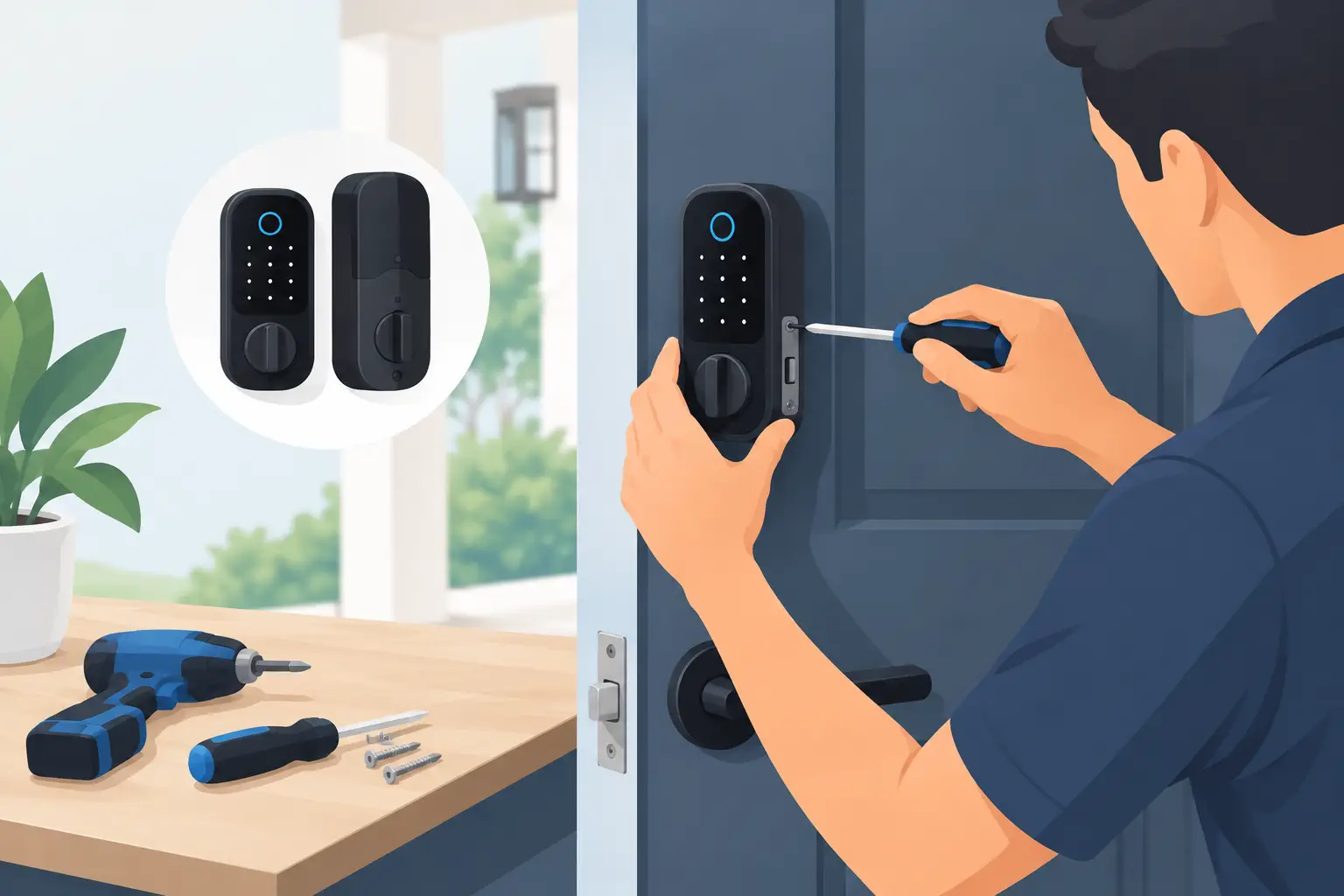
A front-door upgrade should feel considered, not complicated. If you are searching for how to install smart lock hardware, the good news is that many premium models are designed to replace a standard deadbolt with a few basic tools and an unhurried afternoon. The difference between a polished result and a frustrating one usually comes down to compatibility, alignment, and taking the time to test every function before closing the door behind you.
A smart lock brings a more composed rhythm to daily life. You can leave for a dog walk without carrying keys, grant a houseguest a temporary code, or check that the door is secured after the morning rush. Choose a model that complements your entry hardware as carefully as you would a statement light fixture: finish, silhouette, access method, and app features all shape the experience.
Start With Your Door, Not the Product Box
Before removing anything, confirm that your door and existing deadbolt meet the smart lock’s requirements. Most retrofit-friendly options work with standard US single-cylinder deadbolts, but door thickness, bore-hole size, backset, and the gap around the strike plate can vary. A beautiful keypad or fingerprint lock is only a smart investment if it sits correctly and operates without resistance.
Measure your door’s thickness first. Most residential doors are 1 3/8 to 1 3/4 inches thick, though specialty, historic, or oversized doors may fall outside that range. Then measure the backset, which is the distance from the door edge to the center of the deadbolt hole. The two common measurements are 2 3/8 inches and 2 3/4 inches.
Open the door and look at the latch or bolt edge. You should find the lock’s current measurements stamped on the hardware or be able to compare them with the new lock’s installation template. Also check whether your door has a separate deadbolt above the handle. A smart deadbolt generally replaces only that upper lock, leaving your existing lever or knob in place.
If your door is warped, sticks in humid weather, or needs a shoulder push to latch, address that first. Smart locks are precise devices. They should extend and retract the bolt freely, not force it through a misaligned strike plate. This small bit of preparation protects the motor, preserves battery life, and gives you the reliable performance you expect from a high-end home upgrade.
What You Need Before Installation
Most installations call for a Phillips-head screwdriver, the included mounting hardware, fresh batteries, and your phone for app setup. A tape measure and pencil are useful for confirming fit and marking any adjustments. Avoid using a drill unless the manufacturer specifically calls for it. Over-drilling a finished entry door can turn a simple project into a costly repair.
Set the box contents on a clean towel near the door. You will typically have an exterior keypad, touchscreen, or key cylinder; an interior assembly with the motor and thumbturn; a mounting plate; a deadbolt latch; a strike plate; screws of different lengths; and a cable that connects the exterior and interior pieces. Keep the instruction booklet nearby, even if you have installed conventional locks before. Each smart lock has a specific cable route and handing process.
It is also wise to decide how you will manage access before you begin. Some models use a keypad, some use an app, and others offer fingerprint recognition, a physical key, or several options at once. For a primary entry, a model with at least two ways to enter is a thoughtful choice. Technology is convenient, but a backup method offers reassurance when batteries are low or your phone is elsewhere.
How to Install a Smart Lock Step by Step
Remove the existing deadbolt
Keep the door open throughout the installation. On the inside of the door, remove the screws holding the old thumbturn and interior plate in place. Pull away the interior assembly, then remove the exterior key cylinder. Unscrew the latch from the door edge and slide it out. Finally, remove the strike plate from the door frame only if your new lock includes a replacement.
Take a moment to clean the exposed areas. Older hardware can leave dust, paint buildup, or an outline on the door surface. A soft cloth will give the new lock a cleaner, more intentional finish.
Fit the new bolt and strike plate
Install the new deadbolt latch in the door edge, making sure the word “UP” faces upward if marked. The beveled side of the bolt should face the direction identified in the manufacturer’s instructions. Secure it with the supplied screws, but do not overtighten them.
If you are replacing the strike plate, install the new one on the frame and test the bolt by turning it manually while the door is open. Then close the door gently and see whether the bolt enters the strike opening without scraping. If it catches, loosen the plate and make small adjustments. A properly centered strike is one of the most valuable details in the entire project.
Mount the exterior assembly
Feed the exterior lock’s cable beneath the deadbolt latch and through the door hole. Hold the exterior portion flat against the outside of the door while you work from inside. It should be level, flush, and free of pinched wires. For touchscreen models, this is the moment to check that the faceplate sits straight in relation to the door edge and handle.
Place the mounting plate on the interior side, guiding the cable through its designated opening. Insert the correct bolts and tighten them evenly. The assembly should feel stable, but excessive pressure can distort the exterior unit or make the latch bind.
Connect the interior unit and install batteries
Attach the cable connector to the interior assembly. It should seat firmly without force. Tuck the cable carefully into the housing so it will not be trapped when you mount the interior panel. Align the tailpiece with the smart lock’s motor mechanism, then secure the interior unit with the provided screws.
Insert new batteries only after the hardware is firmly installed. Quality alkaline batteries are often recommended, though some models use rechargeable packs. Do not mix old and new batteries, and avoid relying on partially used batteries from a drawer. A premium lock deserves a dependable power source from day one.
Complete handing and calibration
Most smart locks need to learn whether the door is left- or right-handed and how far the bolt travels. Follow the lock’s on-device prompts or app instructions to run this calibration. Keep the door open for the first cycle so you can watch the bolt move without resistance.
After calibration, test the lock at least five times with the door open and then five times with it closed. Test the keypad, fingerprint reader, physical key, interior thumbturn, and app controls that apply to your model. If the motor sounds strained or the bolt hesitates, stop and correct the alignment rather than hoping it will settle over time.
Set Up Access With Intention
Once the lock is working mechanically, pair it with its mobile app and install any available firmware updates. Create a distinct owner code that is not easy to guess, then add separate codes for household members. Individual codes are more refined than sharing one household code because you can remove or change access without disrupting everyone else.
For visitors, dog walkers, cleaners, or contractors, use temporary or scheduled codes when your lock supports them. This offers practical control without the need to make extra keys. If the model connects to a home hub or voice assistant, enable only the integrations you expect to use. More connectivity can add convenience, but every added setting deserves a quick review for privacy and security.
Choose a thoughtful auto-lock delay if that feature is available. A short delay is helpful for busy households, while a longer setting may suit someone carrying groceries, managing children, or moving patio furniture through the entry. There is no single ideal setting. The best one supports your actual routine without making the door feel intrusive.
Protect the Finish and Keep the Lock Performing
Smart locks are exposed to hand oils, weather, and daily use. Clean the exterior with a soft, lightly damp cloth, then dry it fully. Avoid abrasive cleaners, solvent sprays, and harsh polish, especially on matte black, satin nickel, bronze, or other designer finishes.
Check the battery level through the app or lock indicator regularly, particularly before travel. Most devices provide low-battery warnings well in advance, but replacing batteries on your schedule is far better than responding to an alert when you are headed out. Keep any emergency power instructions in a place you can access without entering the house.
If your lock begins to stick months later, inspect the door alignment before assuming the electronics are at fault. Seasonal expansion, loose hinges, and a shifted strike plate are common culprits. A few careful adjustments can restore the quiet, confident operation that makes a smart lock feel like a true upgrade rather than another device demanding attention.
The most satisfying installation is one you stop noticing because it works beautifully every day. Take the extra minutes to align the bolt, personalize access, and select settings that fit your household, and your entry will feel more secure, more convenient, and distinctly more considered.













Leave a comment